Monopoly GO brings the timeless thrill of property trading to mobile devices, but let's be honest – squinting at tiny screens during epic dice-rolling sessions isn't exactly luxury gaming. 😩 Good news? Your favorite board game just got a big-screen upgrade for 2025! Using trusty emulators transforms your PC into a Monopoly powerhouse, letting you build empires across sprawling cityscapes without draining your phone battery. Picture this: vibrant tokens dancing across your monitor while community chest animations pop with cinematic flair. It's like giving your childhood game night a Hollywood makeover!
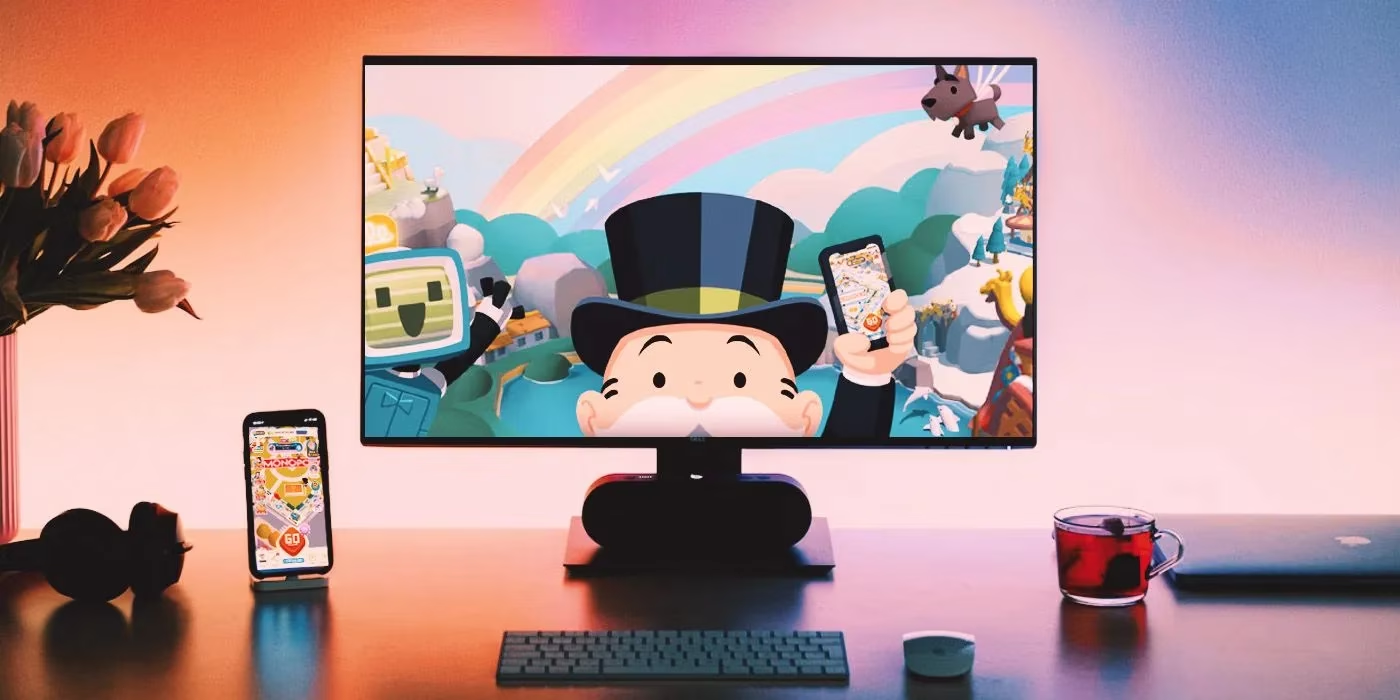
Why PC Gaming Steals the Show 🖥️🎮
-
Visual Feast: See every detail of animated boards (like the dazzling Tokyo Metro) in 1080p glory
-
Multi-Tasking Magic: Swap between property auctions and work emails seamlessly
-
Comfort Champion: Say goodbye to cramped fingers during 3-hour hotel-buying sprees!
-
Progress Protection: Cloud saves mean never crying over accidental closure again
That nostalgic "click-clack" of virtual dice feels downright majestic through desktop speakers. Sure, mobile's convenient, but PC play? That's where Monopoly GO truly spreads its wings.
Bluestacks: Your Golden Ticket to Board Game Bliss
Meet your new best friend 👉 Bluestacks! This Android emulator works like a bilingual tour guide, translating mobile gameplay into PC language. Getting started is smoother than landing on Free Parking:
| Step | Action | Pro Tip 💡 |
|---|---|---|
| 1 | Download Bluestacks | Avoid shady sites – grab it straight from their homepage |
| 2 | Log into Google | Use the same account as your mobile for sync magic |
| 3 | Hunt for Monopoly GO | Search bar's your treasure map – type and conquer! |
| 4 | Hit "Play on App Player" | Installation's automatic – perfect coffee-break timing ☕ |
| 5 | Launch from Bluestacks home | Icon appears like a shiny new token on your digital board |
Personal confession? That first boot-up gave me goosebumps. Seeing my level 42 profile glowing on a 24-inch monitor felt like upgrading from economy to first class. The emulator practically purrs, "Relax, property mogul – I've got this."
Watch Out for These Curveballs ⚠️
Even the slickest systems have quirks. Redeeming promo codes sometimes throws a tantrum – like a stubborn token refusing to move. When codes misbehave:
-
Try the "Sync Account" button in settings
-
Temporarily switch to mobile for redemption
-
Check Scopely's Twitter for PC-specific codes
Heads-up: tournament leaderboards load faster than a speed die, but animated stickers occasionally stutter like a train stopping at income tax. Minor stuff!
Why My Heart Belongs to PC Play 💙
After months of dual-screen gaming, the emulator won me over. Keyboard shortcuts make trading properties snappier than snapping up Boardwalk, and oh boy – watching rent animations explode across the monitor never gets old. There's something magical about seeing that pixelated Mr. Monopoly wink from a full-sized display while your phone charges peacefully nearby. It’s not just convenience; it’s a whole vibe.
Ready to Rule the Board? 🚀
Don’t just dream about dice-rolling dominance – make it happen! Download Bluestacks today and transform Monopoly GO from a pocket distraction into an epic desktop adventure. Your properties (and eyeballs) will thank you. 👑